04. Access GPUs
Get Access to GPUs
Once you've signed in to Google Cloud Platform, you can access GPUs. In the upper-left corner of the screen, click the menu-bar with three lines. Click IAM & Admin, then click Quotas.
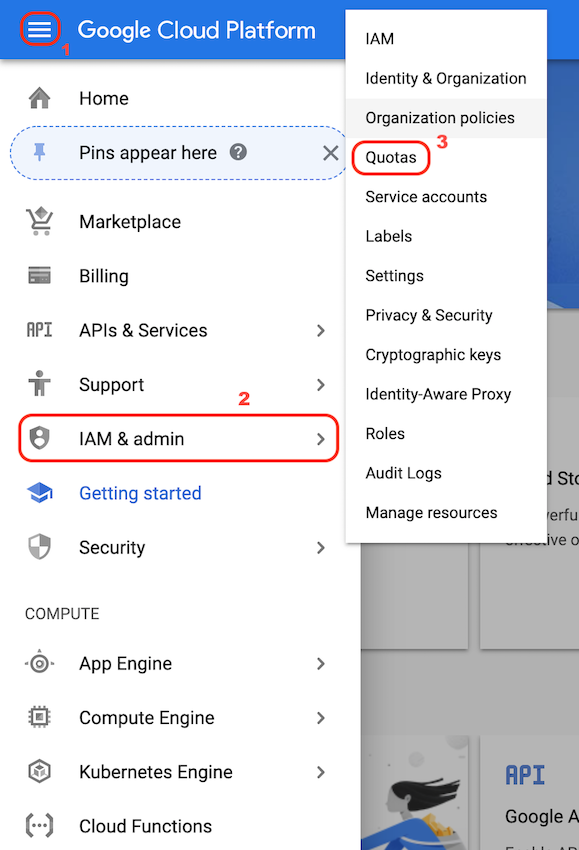
Navigate to Quotas.
If the following notification appears, indicating that the compute engine is getting ready, wait until it disappears.

Compute engine gets ready.
Set Billing
After selecting Quotas, you may be prompted to Enable Billing. This is how you will link a project to your specific credits. Click Enable Billing and a pop-up should appear, indicating that your computer vision credits will be linked to this project. An example is shown below.
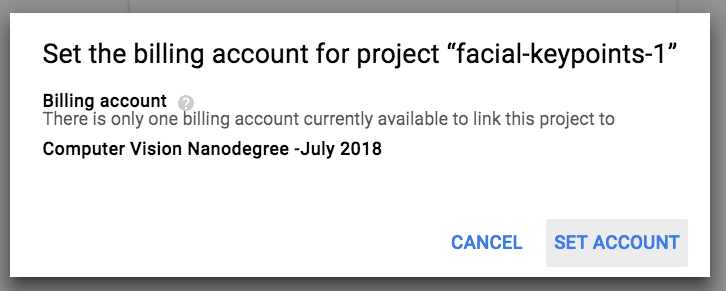
Enable billing and set account.
Finally, click the link that brings you to the "IAM & Admin Quotas" page. Next, you'll see how to define a quota and select a GPU.
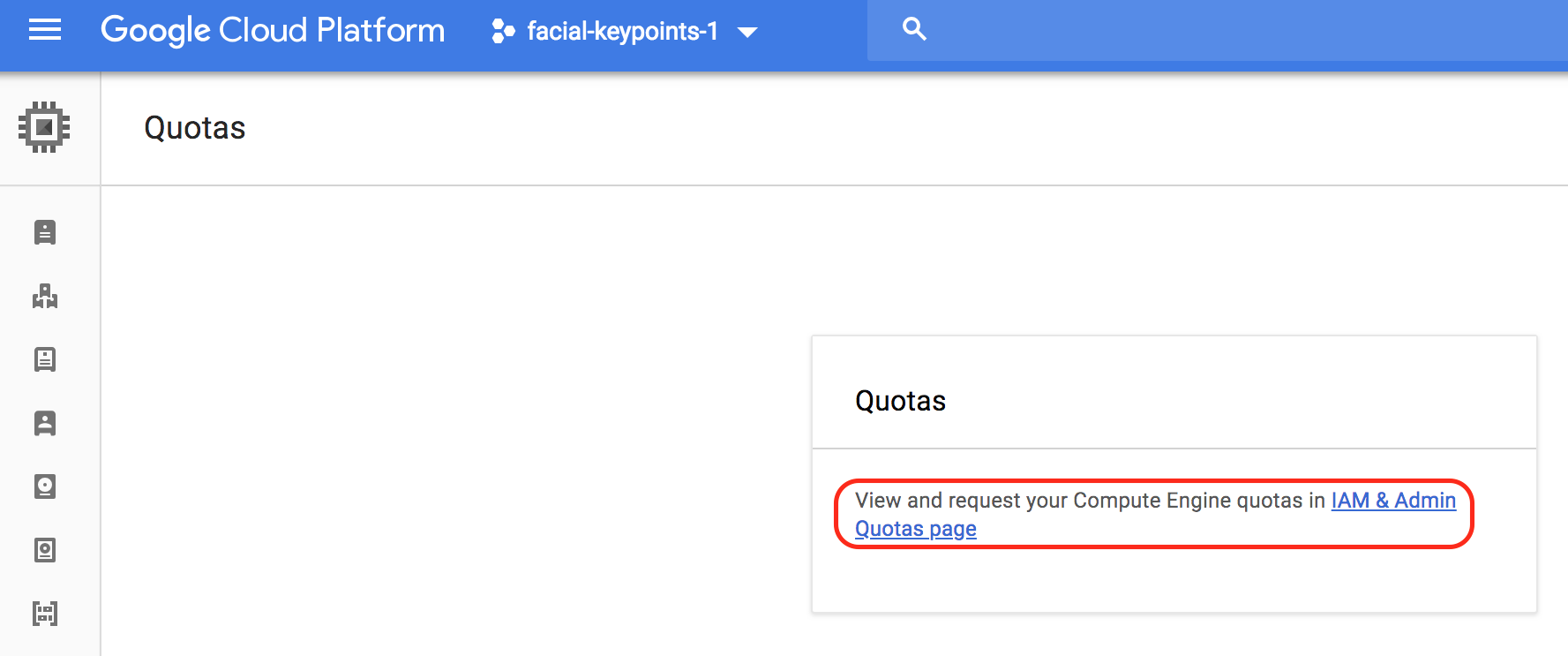
IAM & Admin link.